
You are using an out of date browser. It may not display this or other websites correctly.
You should upgrade or use an alternative browser.
You should upgrade or use an alternative browser.
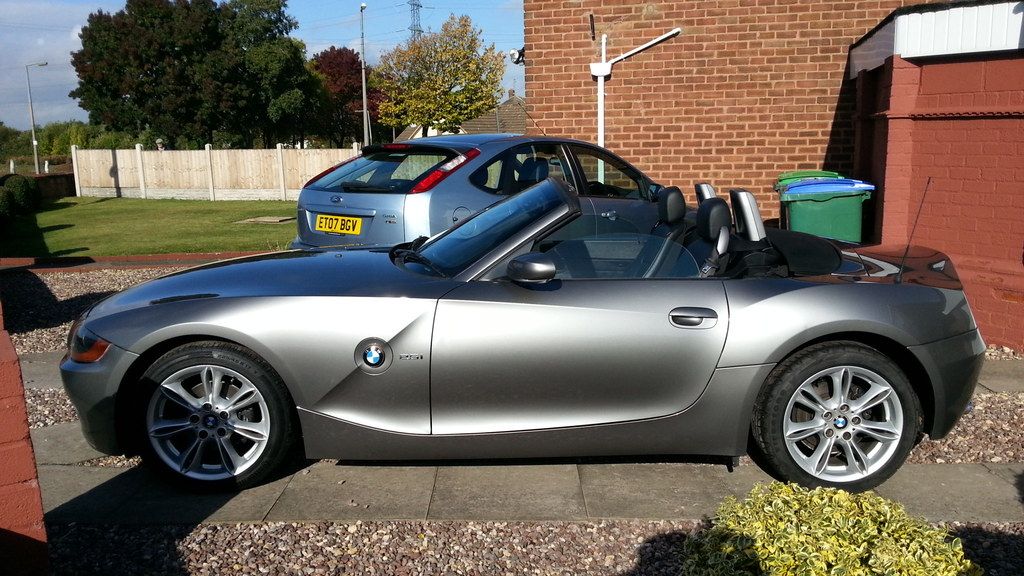
photo hopefully.
- Thread starter macsbm
- Start date


Smartbear said:yep, right click on the image text, then select copy.
now go to your post, right click & select paste-I have computer phobia & even I can do it
Rob
You don't even need to right click and select, Rob. The left click automatically copies the IMG text
@OP - when you paste the text in, you will have the "source" of the image contained in two IMG tags: for example, the following text:
[ IMG ]http://images.zaazu.com/img/thumbsup-thumbs-up-approve-ok-smiley-emoticon-000283-large.gif[/ IMG]
Will look like:

- btw, if you use the quote [''] button on the top left of this post, you'll see the actual text in the editor, rather than the formatted text in the thread.
