
You are using an out of date browser. It may not display this or other websites correctly.
You should upgrade or use an alternative browser.
You should upgrade or use an alternative browser.
Excel gurus - Conditional Formatting
- Thread starter flimper
- Start date


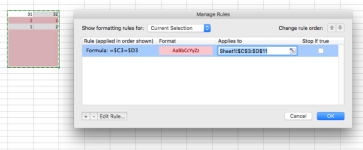
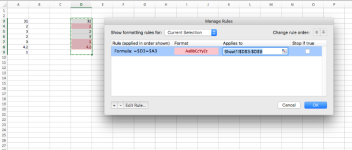
could simplify it to =if($i2=$aw2,0,1) then apply it to your range, should work
Also, for ease, make sure that you set up the format on row 2 then change the range it is applied to, rather than selecting the range then creating a new rule; otherwise it will create the rule in a way that that the entire range could be looking at cells relative to the one you had selected when you entered the rule
Also, for ease, make sure that you set up the format on row 2 then change the range it is applied to, rather than selecting the range then creating a new rule; otherwise it will create the rule in a way that that the entire range could be looking at cells relative to the one you had selected when you entered the rule