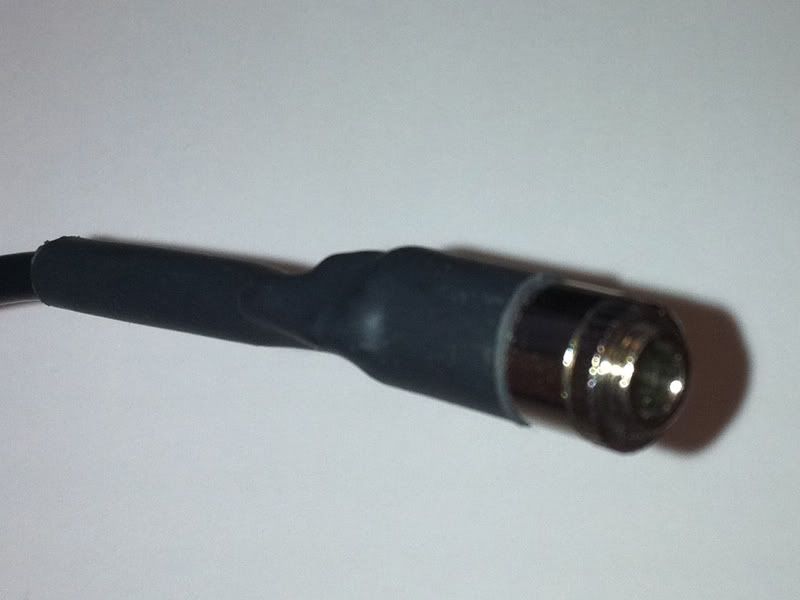
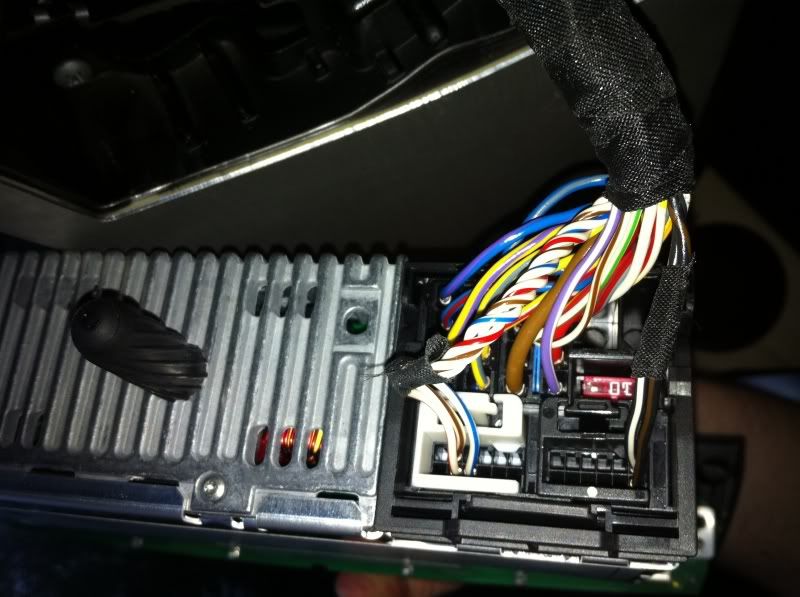
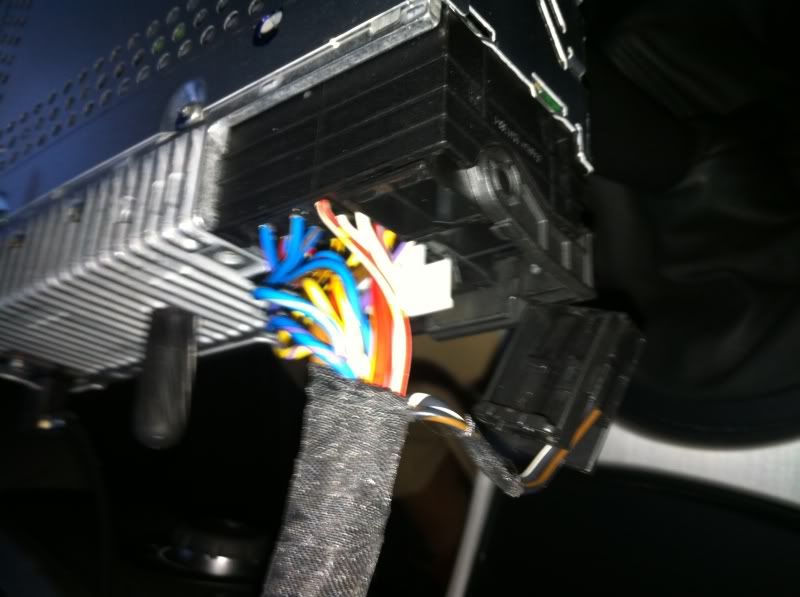
Do i have the right lead... (pics)

oo7ml

Active member
I bought 2 AUX leads last year off ebay for my previous Z4... i ended up using the one that allowed me to control my iphone from the radio so i never got around to testing the cable below...

Can anyone confirm if the lead below is the correct lead (size / dimensions) for a 2008 Coupe... i don't want to pull the radio out until i know i have the right lead... thanks in advance if anyone can figure it out...
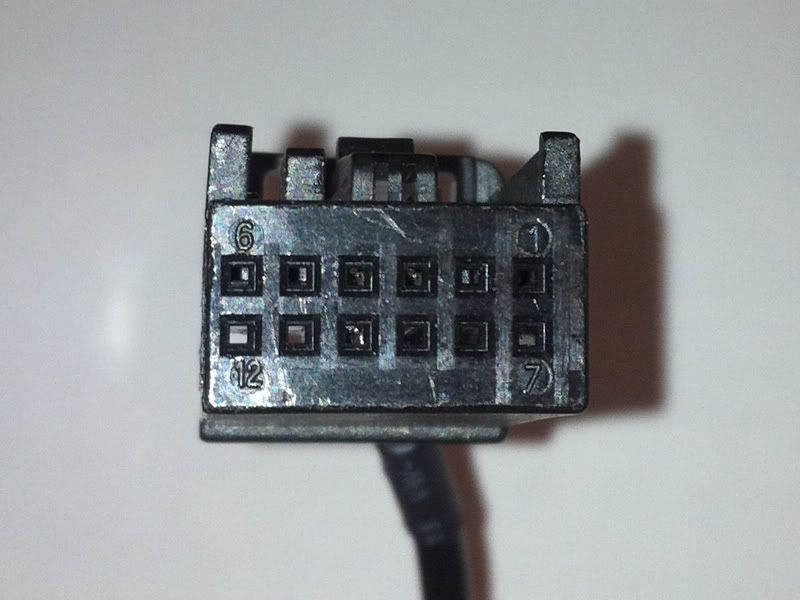
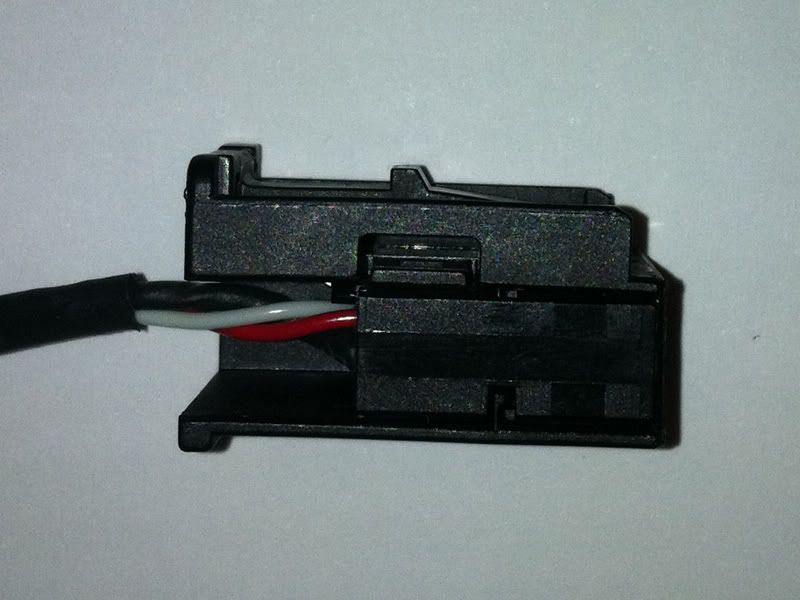
2-1.jpg


1-3.jpg


3-1.jpg
 
Not an expert on these things but if it's OEM it should have an 11 digit part number on it. If so worth checking on the Real OEM site... worth a try:

http://www.realoem.com/bmw/select.do
 
You may have to move wires about if you have a BT phone, as that plug will already exist then. You can always make it work anyway.
 
pvr said:
You may have to move wires about if you have a BT phone, as that plug will already exist then. You can always make it work anyway.

You beat me to it... i managed to get the radio out and then i noticed that was a lead already in there... :(

IMG_1133.jpg


IMG_1134.jpg


1 - what is the lead above... is it for the bluetooth... if so, is there anything i can do to have both of them working

2 - do i have to have the lead actually plugged into my iphone in order for the radio to pick up the AUX
 
£60 delivered for BMW iPod interface that gives steering wheel control, 6 playlists etc and charging is supported on all but recent models without little extra adaptor.

Supplied with full BMW fitting instructions and user manual, taken out of my z4mc with nav and Bluetooth - worked perfectly!!

See for sale section, BMW want £300+ to do it for you, takes about 45 mins.
 
Just move the little plugs across to the existing plug, make sure you keep the connector as they are so useful for someone who does not have the BT phone.
 
What you need to do is compare the wires in your aux lead and transfer them into the same holes in the block in the back of the radio. If i rembember the blocks have an outer cover which is easly removed then you can get at the wires so you can prise them out then put them in the same slots in the back of the radio.

Sorry if it doesn't make sense but it's what i did and worked a treat :thumbsup:
 
Ok, sorry PVR, you've lost me there... do i need to take the wires out of one of the BT plugs (connector) and solder them into the AUX plug (connector)
 
You need to use a little screw driver to release the inner pins, that is what I was trying to say :)
 
yes, that is what you need to do. I had to do the same for my satnav retrofit at the time (i.e. move the little silver pins to the existing plug).

No soldering required.
 
Thanks guys... so if i remove the connector from the aux lead... i then need to place the corresponding wires in with the wires on the BT connector...

Sorry for all of the questions but how do i secure all of the wires together... thanks again guys, much appreciated...
 
no, they do not join together as they transfer to different holes in the same plug, i.e. there will not be any overlap.

The silver pins once released, just click in the holes of the connector.
 
Ha ha... ok cool, i didn't realise they didn't overlap... ok so how do i secure them in place... :cry:

And sorry, last question (for now)... does the radio only recognise the AUX install when my phone is plugged in... as of now it is just connected (with the female end hanging out) but i do not have a 3.5 to 3.5 jack to test it out just now... however my radio is not picking it up when i flick through the modes... is that because i don't have it plugged into my iPhone

Stick with me here PVR... by the time i have this installed you will have more posts than Gannet :wink: :poke: :wink:
 
Once the lead is connected then you should get Aux showing up when you scroll the modes even when your Iphone is not connected.
 
Back
Top Bottom